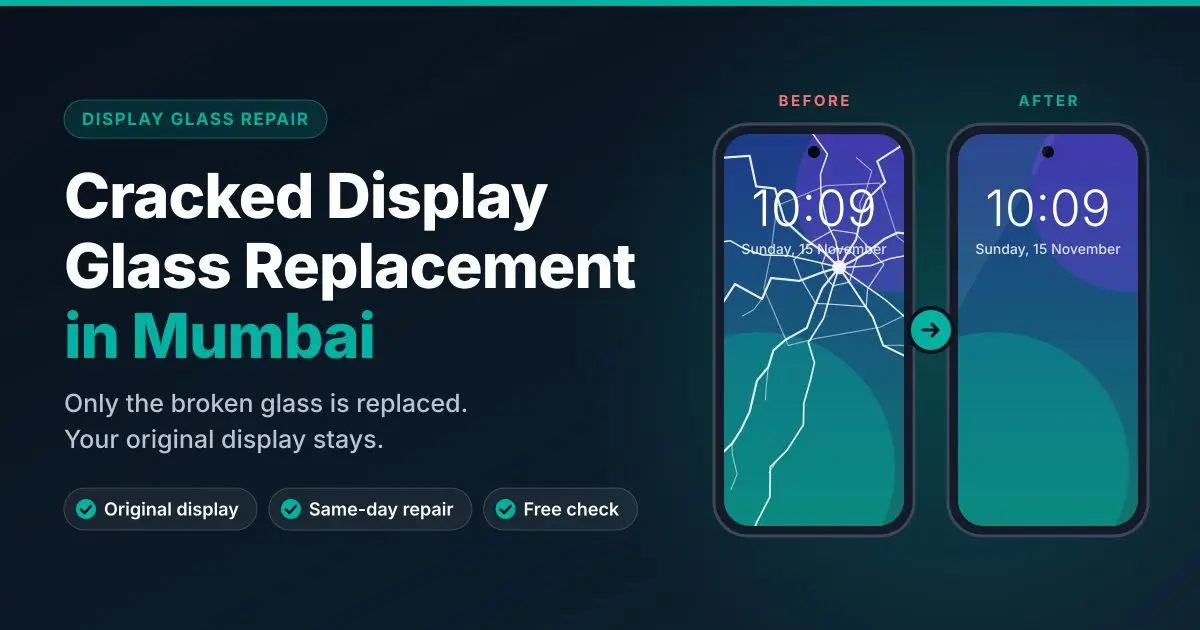
Apple iPhone Screen, Cracked Display Glass, Back Glass & Battery Replacement in Mumbai
Apple iPhone cracked glass, green screen, flickering, pink line, touch not working, back glass or battery? Repair for Apple iPhone 13 to 18 Pro Max at QASWA TELECOM, Borivali.
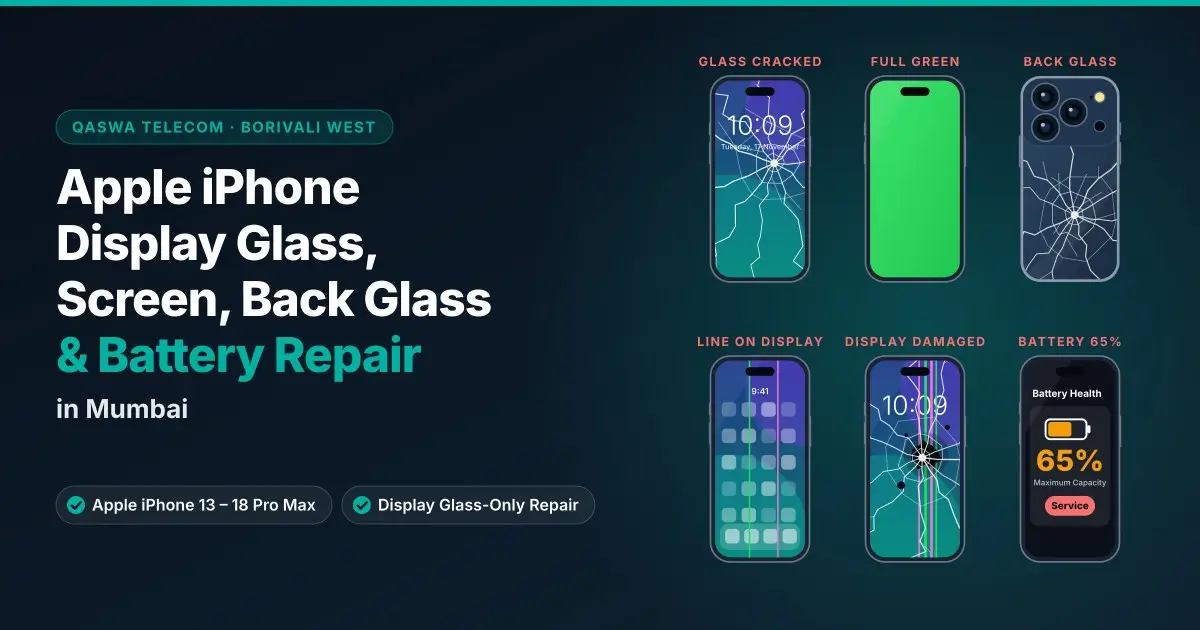
Has your Apple iPhone screen cracked, turned green, started flickering, or shown a green or pink vertical line? Is the touch not working, the back glass broken, or the battery draining fast? At QASWA TELECOM, Borivali West, Mumbai, we repair all these problems on Apple iPhone models from the Apple iPhone 13 series to the Apple iPhone 18 Pro Max.
The first question is always the same: is only the display glass broken, or is the display damaged too? The answer decides the repair and the cost. This guide explains every common Apple iPhone screen, back glass and battery problem, what causes it, how we check it, and which repair you actually need.
Quick Answer
- Display glass cracked, display and touch working → cracked display glass replacement (only the top display glass is changed)
- Green screen, flickering, glitches, lines, black spots or touch not working → usually the display panel is damaged → screen replacement
- Green or pink vertical line → a display panel fault → screen replacement
- Back glass cracked → back glass replacement
- Battery draining fast, phone shutting down, “Service” in Battery Health → battery replacement
The exact fault is confirmed only after testing the phone in the shop.
1. Apple iPhone Cracked Display Glass Replacement
An Apple iPhone screen has two main layers: the top display glass you touch, and the OLED display underneath that shows the picture. After a drop, often only the top display glass cracks while the display still works perfectly.
Signs That Only the Display Glass Is Broken
- Cracks or a spider-web pattern on the screen
- The picture is clear – no lines, no black spots, no green or pink tint
- Touch works normally across the whole screen
- Brightness and colours look normal
In this case, only the broken display glass is replaced and your original Apple iPhone display stays. Read the full process in our guide on cracked display glass replacement in Mumbai.
Do not wait too long. Small display glass cracks spread, let in dust and moisture, and can damage the display underneath. Then a simple display glass repair becomes a full screen replacement.
2. Apple iPhone Green Screen, Glitch and Flickering Issue
A green screen, a flickering display or a glitching picture is one of the most common Apple iPhone display problems, especially after a drop, pressure in a pocket or water contact.
Symptoms
- The whole screen or part of it turns green
- The screen flickers, blinks or flashes, especially at low brightness
- The picture glitches, shakes or shows coloured noise
- Green tint appears for a few seconds after unlocking
- The screen goes black but the phone still rings and vibrates
Common Causes
- Internal damage to the OLED panel after a drop or pressure
- Water or moisture inside the display
- A loose or damaged display connector
- A low-quality screen fitted in a previous repair
If the problem stays after a restart and an iOS update, the display panel is usually damaged and needs screen replacement. Before that, we check the connector and the board so you do not pay for a screen you do not need.
3. Apple iPhone Green Line or Pink Vertical Line on Screen
A thin green, pink, purple or white vertical line that stays on the screen all the time is a common OLED display fault on Apple iPhones.
- It can appear suddenly, after a drop, after pressure, or after water contact
- It often starts as one line and slowly becomes more lines
- A screenshot looks normal without the line – this shows it is a display hardware fault, not a software problem
- Restarting, resetting or updating usually does not remove it
Because the line comes from inside the display panel, the fix is Apple iPhone screen replacement. Getting it done early also protects your data – a display that gets worse can make the phone hard to use or back up.
4. Apple iPhone Touch Not Working
Touch problems can make an Apple iPhone almost impossible to use.
Symptoms
- Touch not responding on the whole screen or on one part
- Ghost touch – the phone opens apps or types by itself
- Touch works only sometimes, or only after pressing hard
- Swipes and keyboard taps are missed
Common Causes
- Damaged touch layer after a drop or crack
- Moisture inside the screen
- A low-quality replacement screen from an earlier repair
- A loose connector or, less often, a board-level fault
We first rule out software, a bad screen guard or a case pressing on the screen. If the touch layer is damaged, screen replacement fixes it. If the display looks fine but touch fails only in one area, we check whether the display glass or the panel is the cause before suggesting a repair.
5. Apple iPhone Damaged Screen Replacement
A full Apple iPhone screen replacement is needed when the display panel itself is damaged, not just the display glass. You need it if you see:
- Black spots, ink-like patches or a black screen with the phone still working
- Green screen, flickering or glitches that do not go away
- Green, pink or coloured vertical or horizontal lines
- Touch not working or ghost touch
- Display shattered with a dead or dark area
Before replacing, we test the phone and explain the available display options and the price. After the repair we check touch, brightness, colours, Face ID, the front camera, the earpiece and the proximity sensor, so the phone works properly before you take it home. See all our display repair services and display issues we fix.
Note: after a screen or battery replacement, newer Apple iPhones may show a message in Settings that a part has been replaced or is “unknown”. This is a notice from iOS about the part; we explain what to expect for your model before the repair.
6. Apple iPhone Cracked Back Glass Replacement
The back of an Apple iPhone is made of glass. A fall can crack it even when the front screen survives.
Why You Should Not Ignore a Cracked Back Glass
- Sharp edges can cut your fingers
- Dust and moisture can enter the phone
- Cracks keep spreading with every small knock
- Cracks near the camera can affect the camera lens glass
We replace the cracked back glass carefully, clean the frame, and check wireless charging and the cameras after the repair. If the camera lens glass is also cracked, it can be replaced at the same time.
7. Apple iPhone Battery Replacement
Every Apple iPhone battery wears out with charging cycles. A worn battery makes even a new-looking phone feel slow and unreliable.
Signs You Need a New Apple iPhone Battery
- Battery drains very fast and the phone needs charging several times a day
- The phone shuts down suddenly, even at 20–30%
- The phone feels slow or lags
- The phone gets hot while charging or during normal use
- Settings → Battery → Battery Health shows low maximum capacity or a “Service” message
- The screen is lifting or the back looks swollen – stop charging and bring it in immediately
A new battery restores backup time and smooth performance. After fitting, we check charging, battery health reading and the phone's general performance.
Which Repair Does Your Apple iPhone Need?
- Display glass cracked, display and touch fine → cracked display glass replacement
- Green screen, flicker or glitch that does not go away → screen replacement
- Green or pink vertical line → screen replacement
- Touch not working or ghost touch → usually screen replacement, after checking
- Black spots or dark area → screen replacement
- Back cracked → back glass replacement
- Fast drain, sudden shutdown, “Service” message → battery replacement
Apple iPhone Models We Repair (Apple iPhone 13 to Apple iPhone 18 Pro Max)
Choose your model to see the repairs available:
Apple iPhone 18 Series
Apple iPhone 18 Pro Max · Apple iPhone 18 Pro
Apple iPhone 17 Series and Apple iPhone Air
Apple iPhone 17 Pro Max · Apple iPhone 17 Pro · Apple iPhone 17 · Apple iPhone Air
Apple iPhone 16 Series
Apple iPhone 16 Pro Max · Apple iPhone 16 Pro · Apple iPhone 16 Plus · Apple iPhone 16 · Apple iPhone 16e
Apple iPhone 15 Series
Apple iPhone 15 Pro Max · Apple iPhone 15 Pro · Apple iPhone 15 Plus · Apple iPhone 15
Apple iPhone 14 Series
Apple iPhone 14 Pro Max · Apple iPhone 14 Pro · Apple iPhone 14 Plus · Apple iPhone 14
Apple iPhone 13 Series
Apple iPhone 13 Pro Max · Apple iPhone 13 Pro · Apple iPhone 13 · Apple iPhone 13 mini
Don't see your model? Browse mobile display repair by model or contact us with your model name.
How We Repair Your Apple iPhone at QASWA TELECOM
- Check first – display, touch, Face ID, cameras, speakers, charging and battery health are tested before any work
- Clear advice – we tell you whether you need display glass replacement, screen replacement, back glass or battery, and the price, before starting
- Careful repair – proper tools and clean work so the frame, sensors and seals are not damaged
- Full test after repair – every function is checked again before handing the phone back
Warranty
- New display replacement: 3-month warranty
- Screen repair (display glass replacement): 15-day checking warranty
Warranty terms are explained at the time of repair. Physical damage, new drops and water damage after the repair are not covered.
Tips Before You Bring Your Apple iPhone
- Back up your Apple iPhone to iCloud or a computer if the screen still works
- Remember your passcode so we can test Face ID, touch and all functions after the repair
- Put tape over cracked display glass to stop glass pieces from falling and cutting your fingers
- Stop using a phone with a swollen battery and do not charge it
- Avoid water – a cracked screen or back glass is no longer water resistant
Why Choose QASWA TELECOM for Apple iPhone Repair in Mumbai
- Specialists in smartphone display and screen repair
- Display glass-only replacement when your Apple iPhone display is still working – no unnecessary screen replacement
- Testing before and after every repair
- Clear price before the work starts
- Easy to reach on S.V. Road, Borivali West – convenient from Kandivali, Dahisar, Malad and Mira Road
Read our customer reviews, watch our repair videos, or learn more about QASWA TELECOM.
Frequently Asked Questions
Can only the cracked display glass of an Apple iPhone be replaced?
Yes. If the Apple iPhone display and touch work normally and only the top display glass is cracked, only the display glass is replaced and your original display stays.
Why is my Apple iPhone screen green or flickering?
A green screen, flicker or glitch usually means the OLED display panel is damaged, often after a drop, pressure or water contact. If it continues after a restart and update, the screen needs to be replaced.
How do I fix a green or pink line on my Apple iPhone screen?
A permanent green or pink vertical line is a display hardware fault. It does not go away with a reset or update. The fix is Apple iPhone screen replacement.
My Apple iPhone touch is not working. Is it the screen?
Most of the time, yes – the touch layer of the screen is damaged. We first check for software, a bad screen guard or a loose connector before recommending a screen replacement.
Can the cracked back glass of an Apple iPhone be replaced?
Yes. The cracked back glass is replaced, and wireless charging and cameras are checked after the repair. A cracked camera lens glass can be changed at the same time.
When should I replace my Apple iPhone battery?
Replace it when the battery drains quickly, the phone shuts down suddenly, gets hot, or Battery Health shows low capacity or a “Service” message. A swollen battery should be replaced immediately.
Will Face ID work after an Apple iPhone screen replacement?
Face ID is part of the front sensor system, not the display itself. When the sensors are not damaged and handled carefully, Face ID continues to work. We test it before and after the repair.
Will I lose my data during the repair?
Screen, glass, back glass and battery repairs do not normally erase data, but we always recommend a backup before any repair.
Which Apple iPhone models do you repair?
We repair Apple iPhone 13, 13 mini, 13 Pro and 13 Pro Max; Apple iPhone 14, 14 Plus, 14 Pro and 14 Pro Max; Apple iPhone 15, 15 Plus, 15 Pro and 15 Pro Max; Apple iPhone 16, 16e, 16 Plus, 16 Pro and 16 Pro Max; Apple iPhone 17, 17 Pro, 17 Pro Max and Apple iPhone Air; and Apple iPhone 18 Pro and 18 Pro Max.
Where can I get Apple iPhone screen replacement in Mumbai?
Visit QASWA TELECOM at Shop No-8, 1st Floor, Thakkar Shopping Centre, S.V. Road, Borivali West, Mumbai 400092, or send your Apple iPhone model and problem on WhatsApp. More answers are on our FAQ page.
Get Your Apple iPhone Repaired Today
Cracked display glass, green screen, flickering, green or pink line, touch not working, cracked back glass or a weak battery – bring your Apple iPhone to QASWA TELECOM, Borivali West for a proper check and a clear repair plan.
Address: Shop No-8, 1st Floor, Thakkar Shopping Centre, S.V. Road, Borivali West, Mumbai 400092
Call / WhatsApp: +91 93243 16048
Directions and timings: Contact QASWA TELECOM
Related: Cracked Display Glass Replacement in Mumbai · All Apple iPhone Repairs · All Repair Guides
Related Display Articles
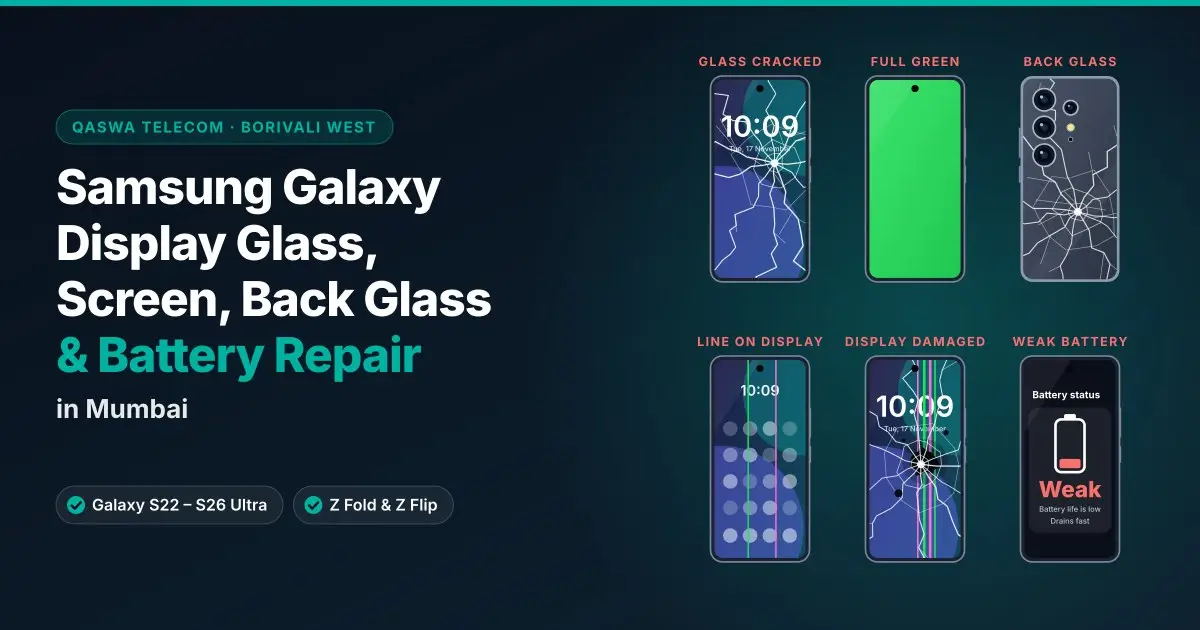
Samsung Galaxy Display Glass, Screen, Back Glass & Battery Repair in Mumbai
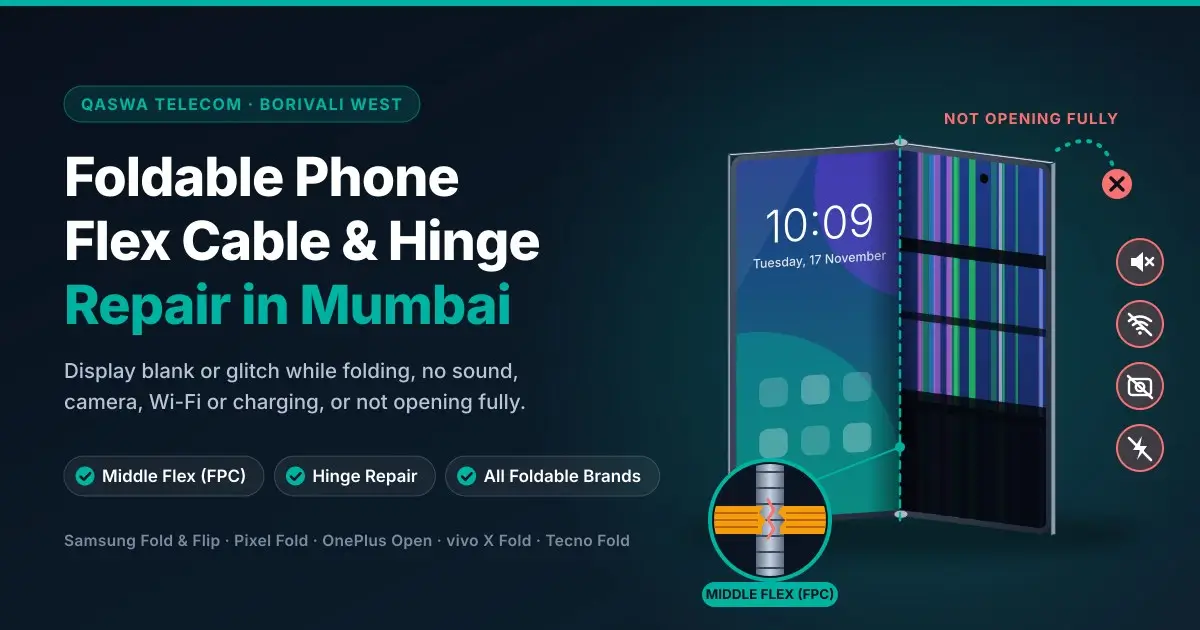
Foldable Phone Flex Cable (FPC) & Hinge Repair in Mumbai – Display Blank, Not Opening Fully, No Sound & Charging Fix